
How to Repost a Story: A Step-by-Step Guide
Reposting stories has become an essential part of engaging with your audience on social media, particularly on platforms like Instagram. Whether you want to share content created by friends, influencers, or brands, understanding how to repost a story effectively can help you connect with your followers and enhance your profile. In this guide, we will delve into the details of reposting stories, providing you with useful tips, tools, and strategies to make the process seamless. For a quick and efficient way, check out this how to repost a story on ig guide.
Understanding the Concept of Reposting Stories
Before diving into the “how-to” aspect of reposting stories, it’s crucial to understand the significance of this feature. Reposting allows users to share content from others while giving credit to the original creator. This practice promotes community engagement, encourages interactions, and can help users gain exposure. In essence, reposting is a gesture of appreciation and acknowledgment, showcasing your support for other creators.
How to Repost Stories on Different Platforms
Reposting stories on Instagram is one of the most common practices. Here’s how you can do it:
- Viewing the Story: First, you need to view the story you want to repost. Ensure the account is public; otherwise, you won’t have access to their stories.
- Using the Share Feature: When you view a story, click on the paper airplane icon available in the bottom right corner. If the user’s account has allowed sharing, you will see an option to add the story to your own.
- Customizing Your Post: Before sharing, add your own text, stickers, or background to give it a personal touch. This step is essential for engaging your audience.
- Post it: Finally, click “Your Story” to repost it directly on your profile.
Reposting stories on Facebook is slightly different. You need to follow these steps:
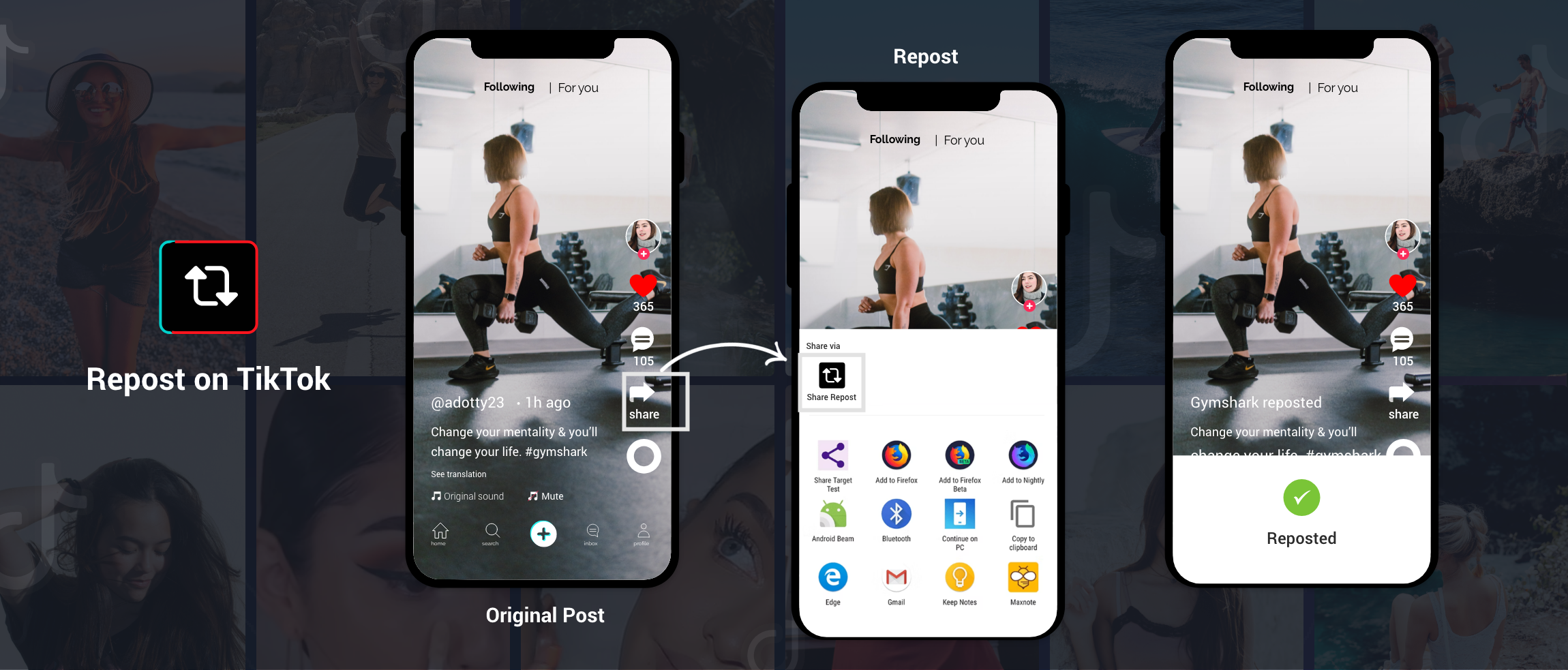
- Finding the Story: Navigate to the story you’d like to share. Again, make sure the story is public for you to access it.
- Share Options: Tap the “Share” option to repost. This often lets you share to your timeline or directly send it as a message.
- Add Your Commentary: Like Instagram, you can add your own thoughts or feelings about the story you are reposting.
- Complete the Share: Click “Share Now” or select an audience to complete the repost.
Snapchat
On Snapchat, the concept of reposting stories is a bit different, as it involves sharing snaps directly to your story or another user’s chat:
- Viewing the Snap: Watch the snap by clicking on the user’s profile to see their story.
- Screen Capture: Since Snapchat does not have a traditional reposting feature, you may take a screenshot (be mindful that users will be notified). Alternatively, you can use the “Send” feature to share the snap with other friends or your story.
Best Practices for Reposting Stories
While reposting is straightforward, here are some best practices to ensure you do it effectively and ethically:
- Always Give Credit: When reposting, make sure you mention or tag the original creator. This establishes credibility and respect in the community.
- Context Matters: Provide context for the repost. Whether it’s a funny meme, a promotional post, or a heartfelt message, adding your remarks can offer additional value to your audience.
- Maintain Aesthetic: Ensure that the repost aligns with your personal or brand aesthetic. Using consistent fonts, colors, and themes can keep your profile cohesive.
- Engage With the Original Creator: Interacting with the original post or creator by leaving comments or liking their posts can foster a sense of community and possibly lead to collaborative opportunities.
Tools for Simplifying Reposting
Several apps and tools can make the reposting process easier and more efficient. Some popular options include:
- Repost Apps: Apps like “Repost for Instagram” allow you to easily download and share stories without needing to take screenshots.
- Social Media Management Tools: Tools like Buffer and Hootsuite enable you to schedule reposts at optimal times, ensuring greater audience engagement.
- Graphic Design Apps: Applications like Canva allow you to create eye-catching visuals when reposting stories, making them appealing to your followers.
Conclusion
Reposting stories is not just a trend; it’s a powerful way to engage with your audience across various social media platforms. By following the steps outlined in this article and adhering to best practices, you can master the art of reposting. Remember, sharing is caring, and effectively reposting can bring you closer to your community. So, next time you see a story worth sharing, follow these tips and watch your engagement grow!